Difference between revisions of "BCX Logon Sessions"
Jump to navigation
Jump to search
(Created page with " You can limit the number of simultaneous logons per user via a logon policy. This is configured from: File - Logon Sessions link= I...") |
m |
||
| (2 intermediate revisions by the same user not shown) | |||
| Line 1: | Line 1: | ||
| + | Accessed from: File - Tools - Logon Sessions, both the station and user session tabs contain similar information. | ||
| − | + | Here you can see details of current active sessions logged in BCX, with options to: Export to CSV, Release and Refresh Session, Sync with Server, and Run user Logon. | |
| − | |||
| + | Station Sessions: | ||
| − | |||
| + | [[File:bcx logon sessions stations.png|link=]] | ||
| − | |||
| − | |||
| − | |||
| − | |||
| − | |||
| − | |||
| − | |||
| − | |||
| − | |||
| − | |||
| − | |||
| − | |||
| + | User Sessions: | ||
| − | |||
| − | + | [[File:bcx logon sessions users.png|link=]] | |
| − | |||
| − | |||
| − | |||
| − | |||
| − | |||
| − | [[File:bcx logon sessions | ||
| − | |||
| − | |||
| − | |||
| − | [[ | + | Return to [[BCX_Network_Management_Tools|'''Contents page''']] |

Latest revision as of 15:13, 19 May 2021
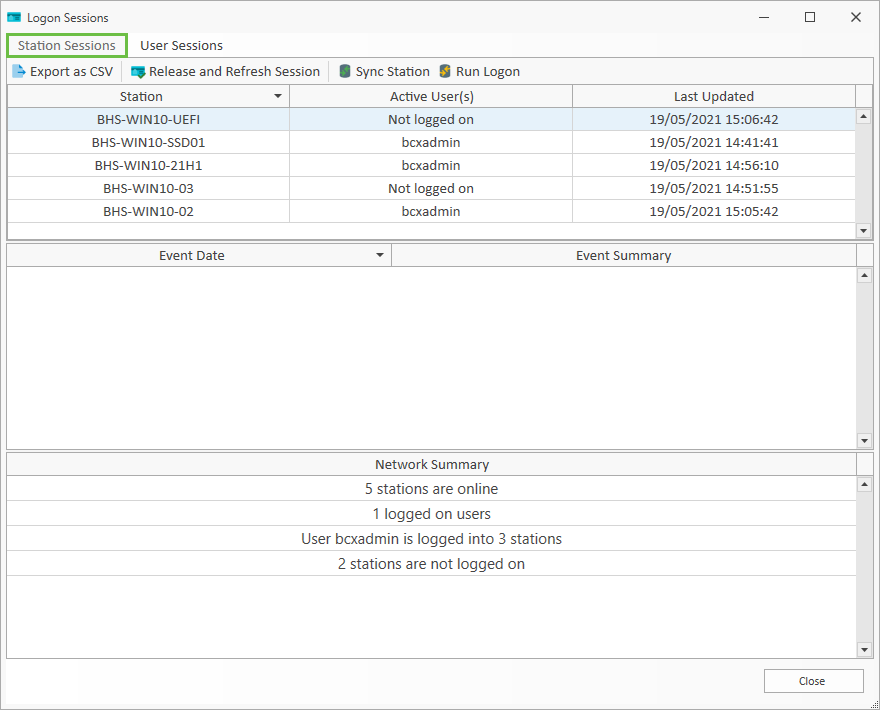
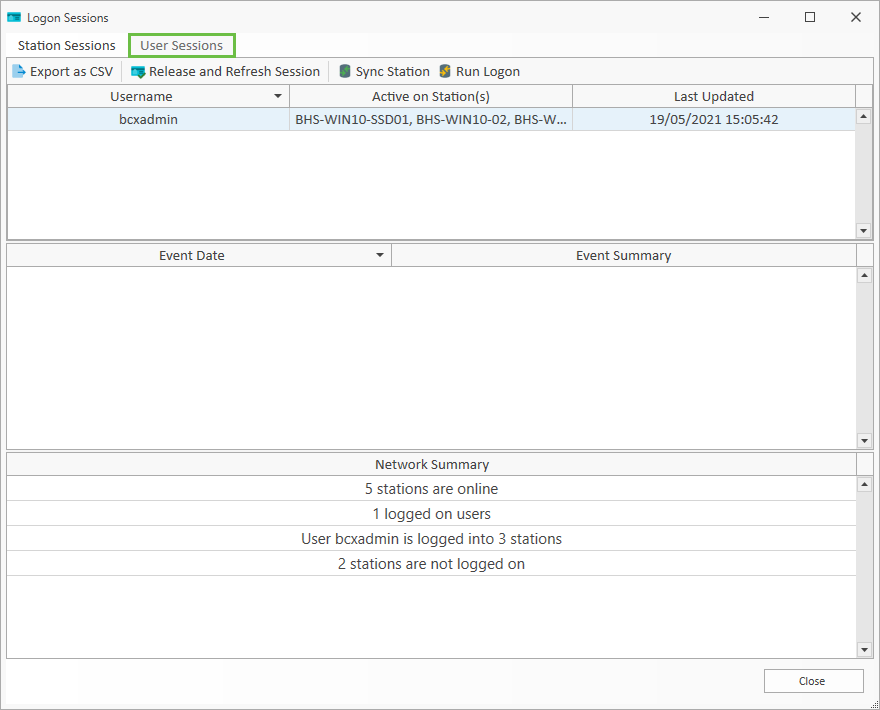
Accessed from: File - Tools - Logon Sessions, both the station and user session tabs contain similar information.
Here you can see details of current active sessions logged in BCX, with options to: Export to CSV, Release and Refresh Session, Sync with Server, and Run user Logon.
Station Sessions:
User Sessions:
Return to Contents page